Screenshots
MATE as a native Wayland session. Select a picture to see it larger.
 View larger
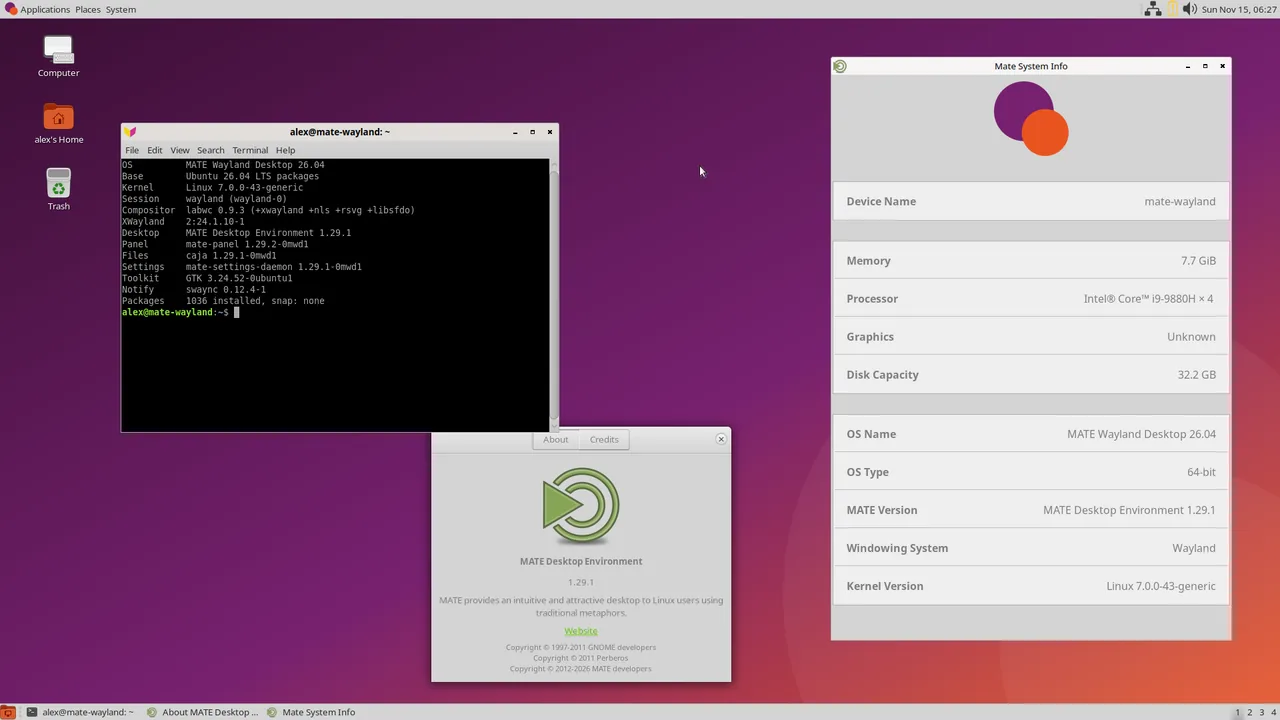
MATE on labwc
Both panels, Caja's desktop icons and three windows, all native Wayland clients. The terminal lists the versions in the session.
 View larger
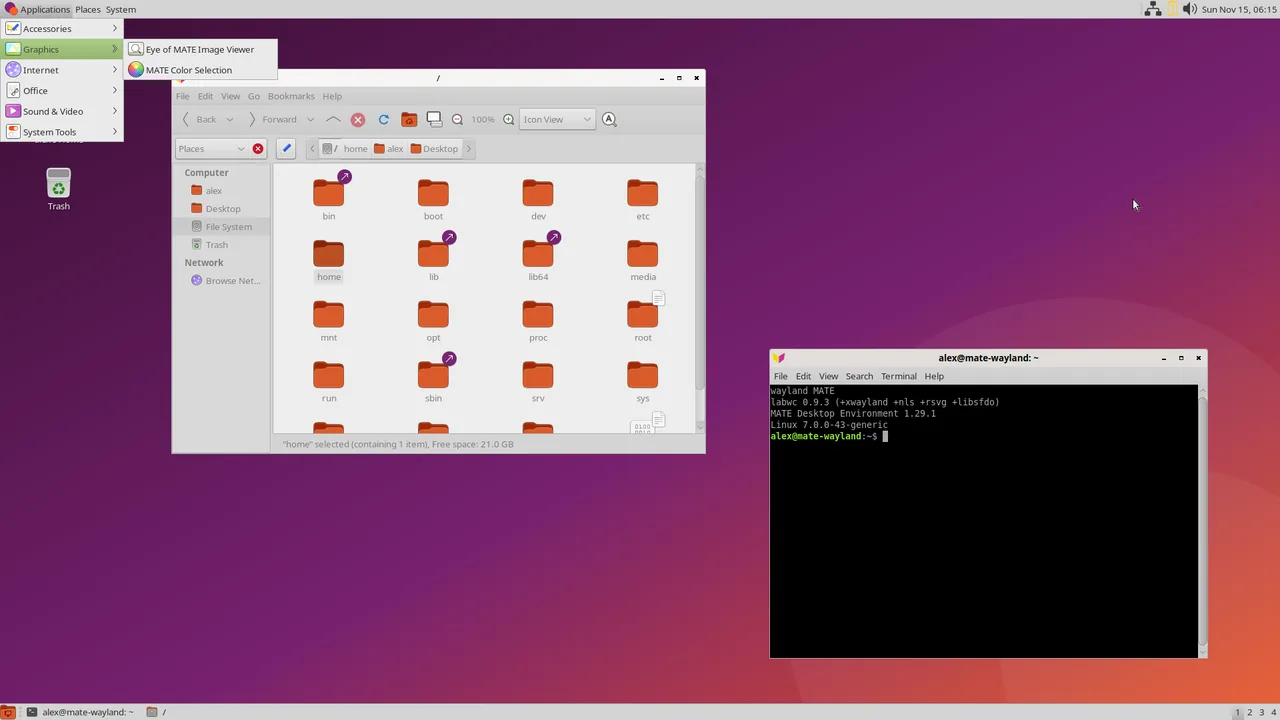
Applications, Places, System
The classic menu bar, with Caja and MATE Terminal behind it. The terminal reports a Wayland session on labwc.
 View larger
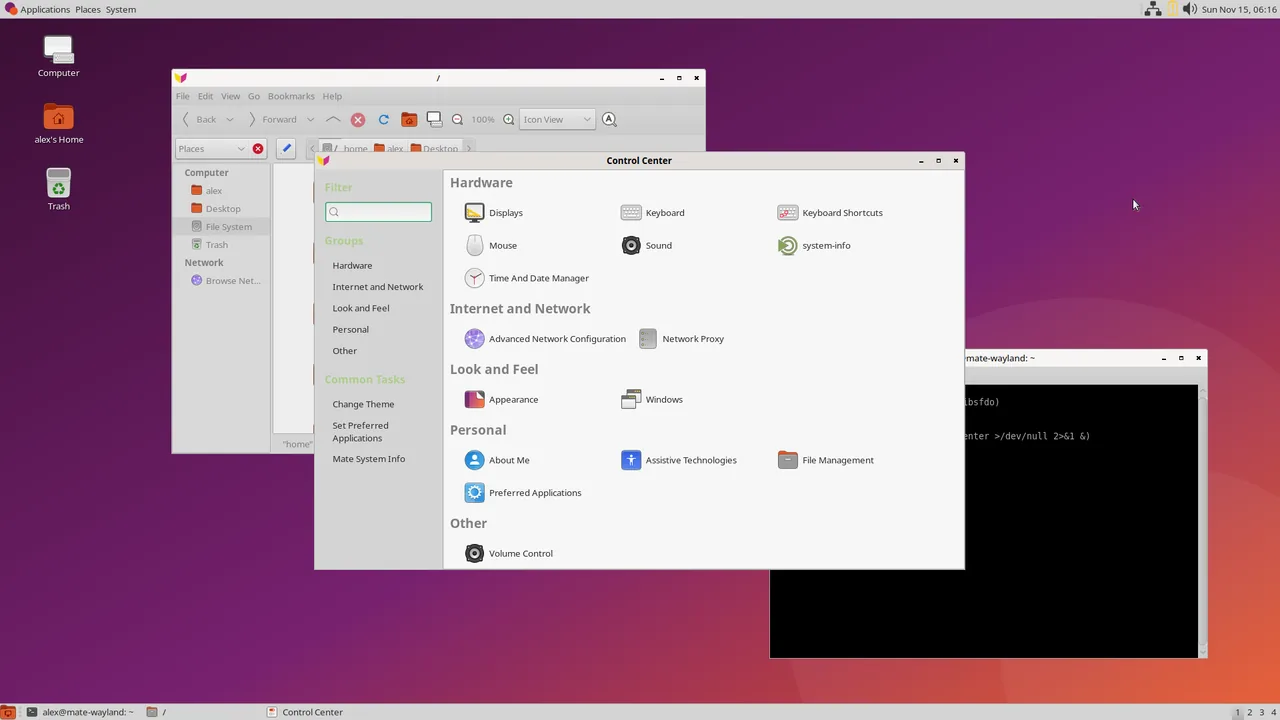
Control Center
MATE's settings in one window: displays, keyboard, mouse, sound, appearance and windows.
 View larger
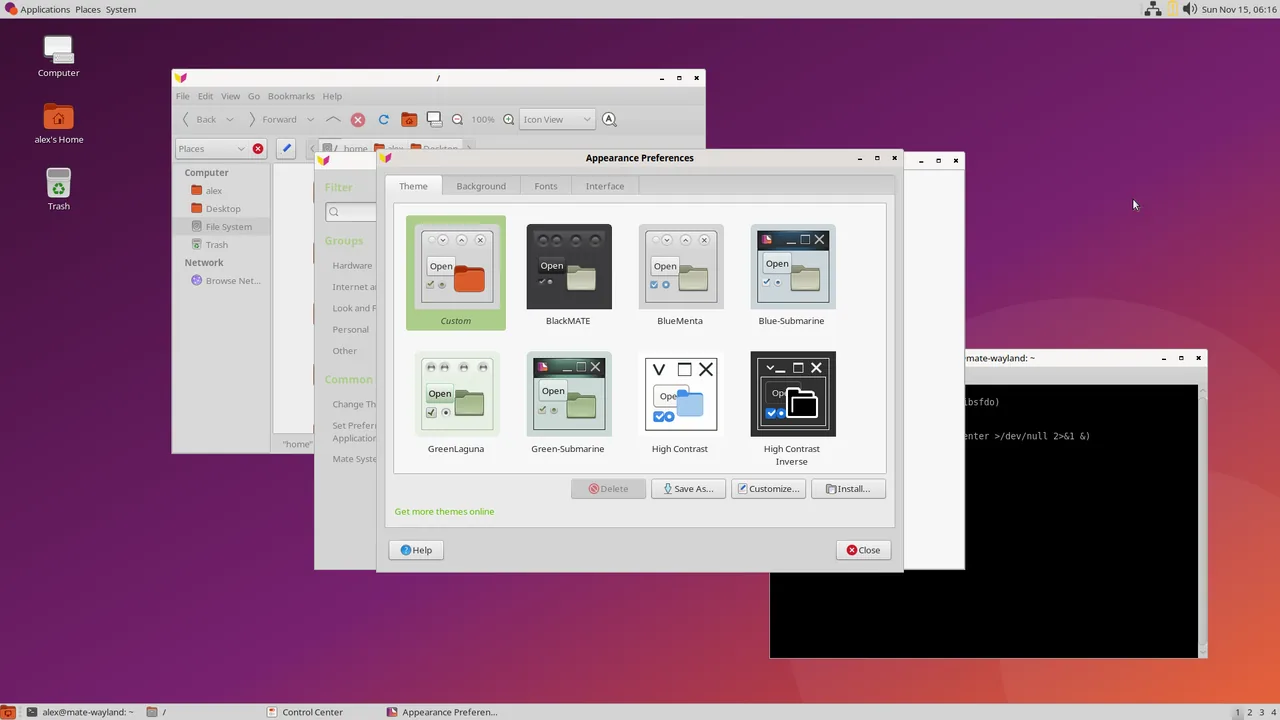
Appearance
MATE's own theme chooser. The default is Menta with Yaru icons; the stock MATE themes are included.
 View larger
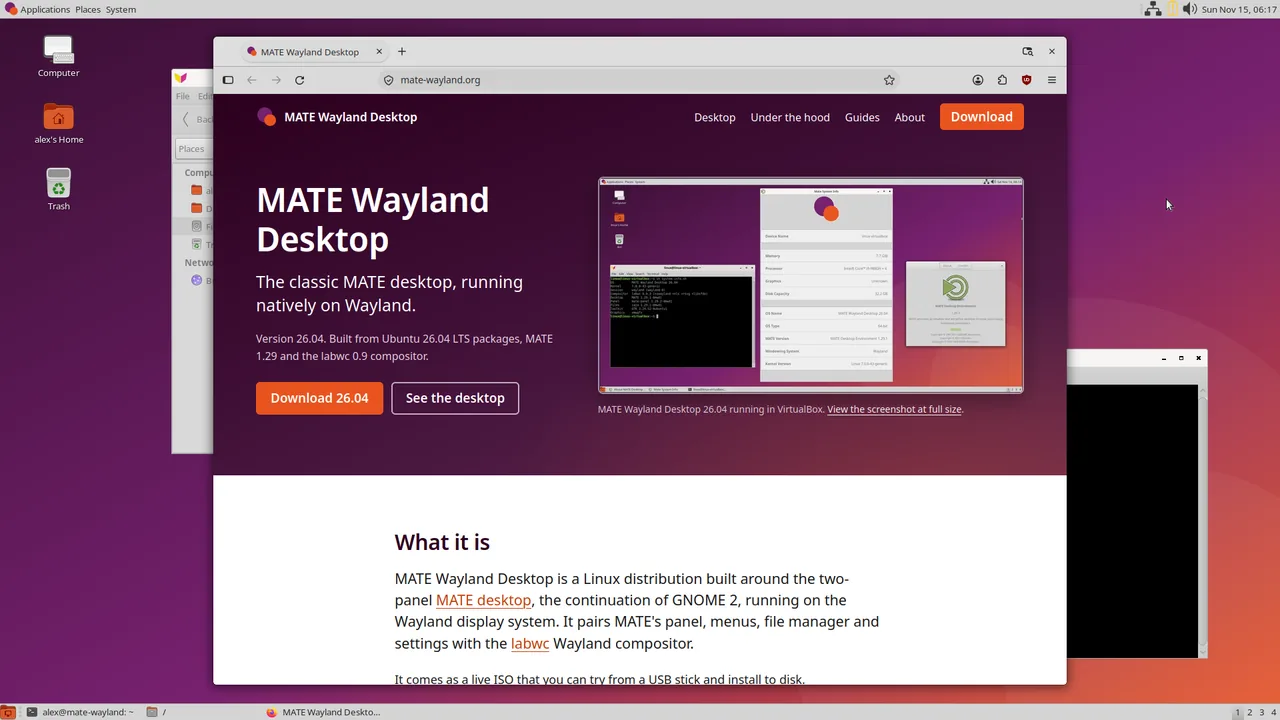
Firefox from Mozilla
Firefox as a deb from Mozilla's APT repository, running as a Wayland client, with uBlock Origin installed.
 View larger
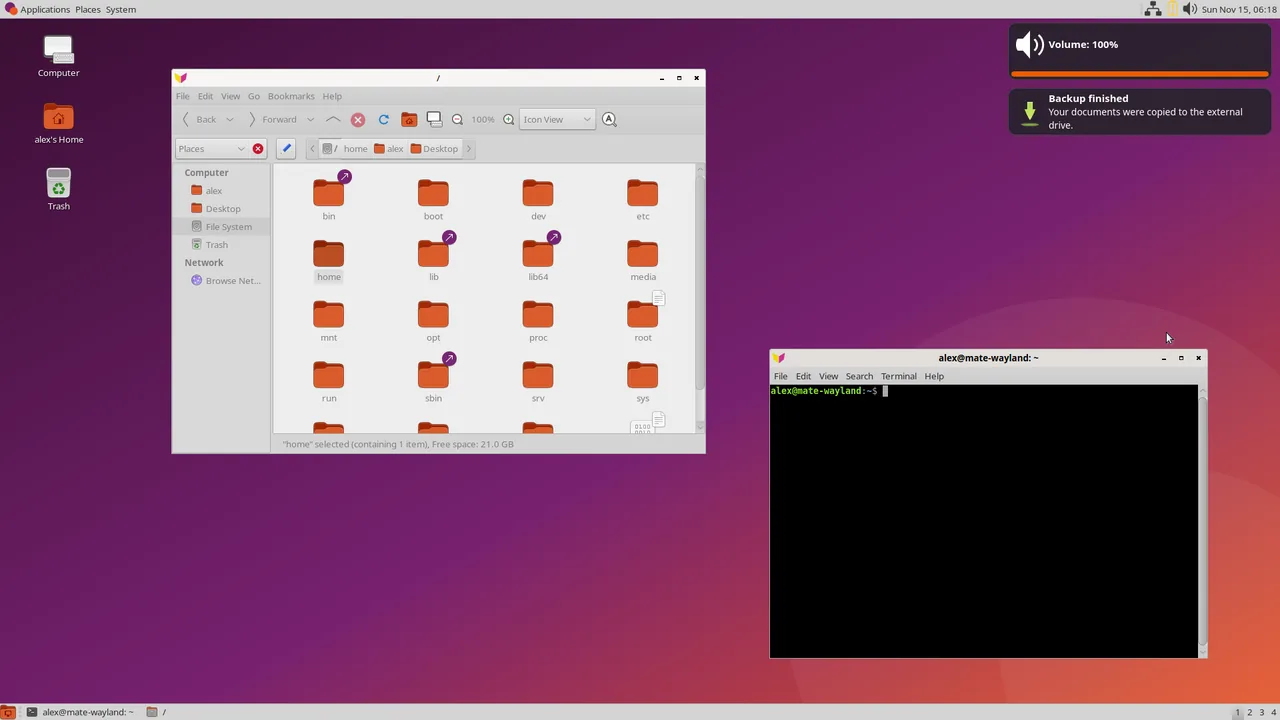
Notifications and the volume bar
swaync shows notifications and the volume and brightness bars for the laptop keys.
 View larger
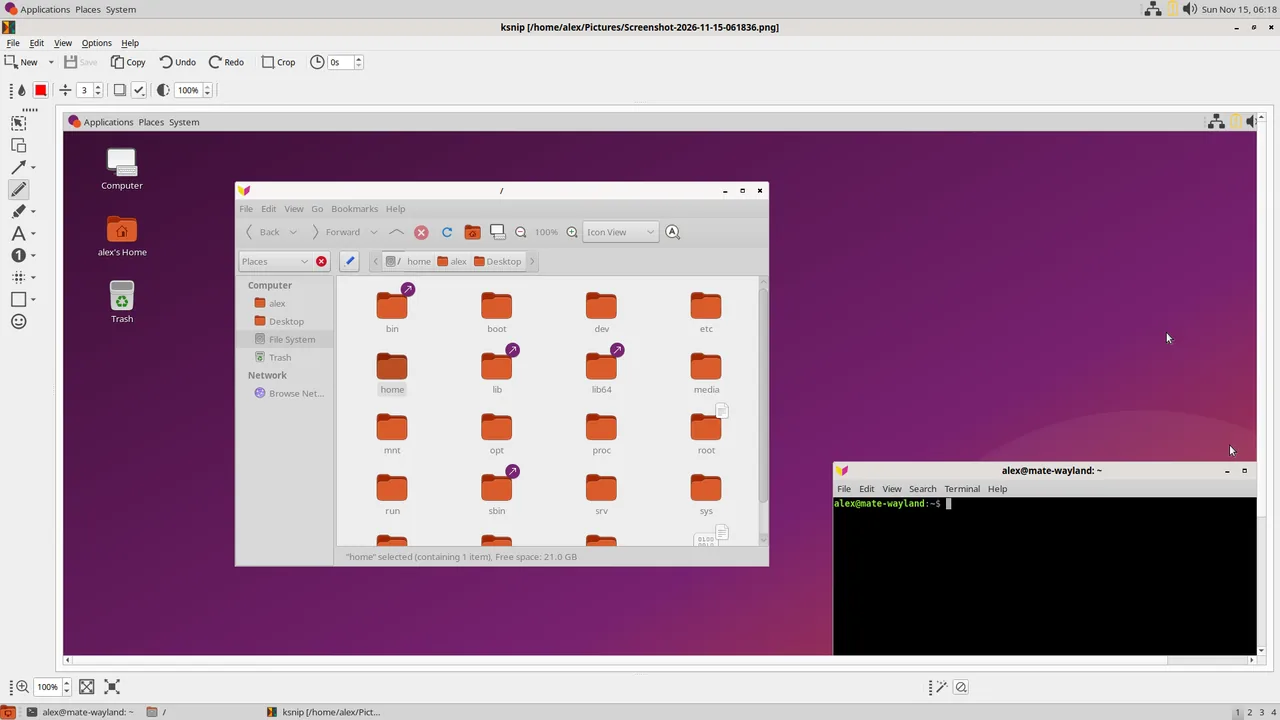
Screenshots with ksnip
Print captures with grim and opens the picture in ksnip to crop, annotate and save.
 View larger
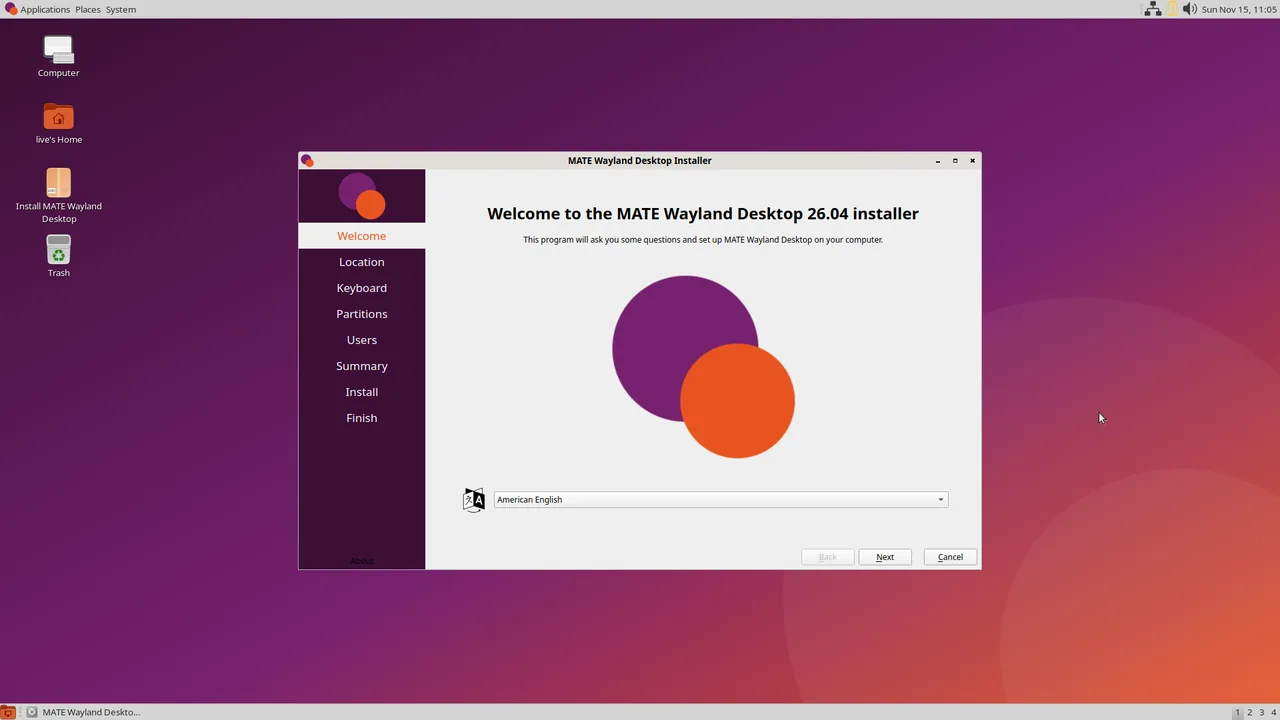
Live session and installer
The ISO boots into the same Wayland session as an installed system, with Calamares ready on the desktop.
 View larger
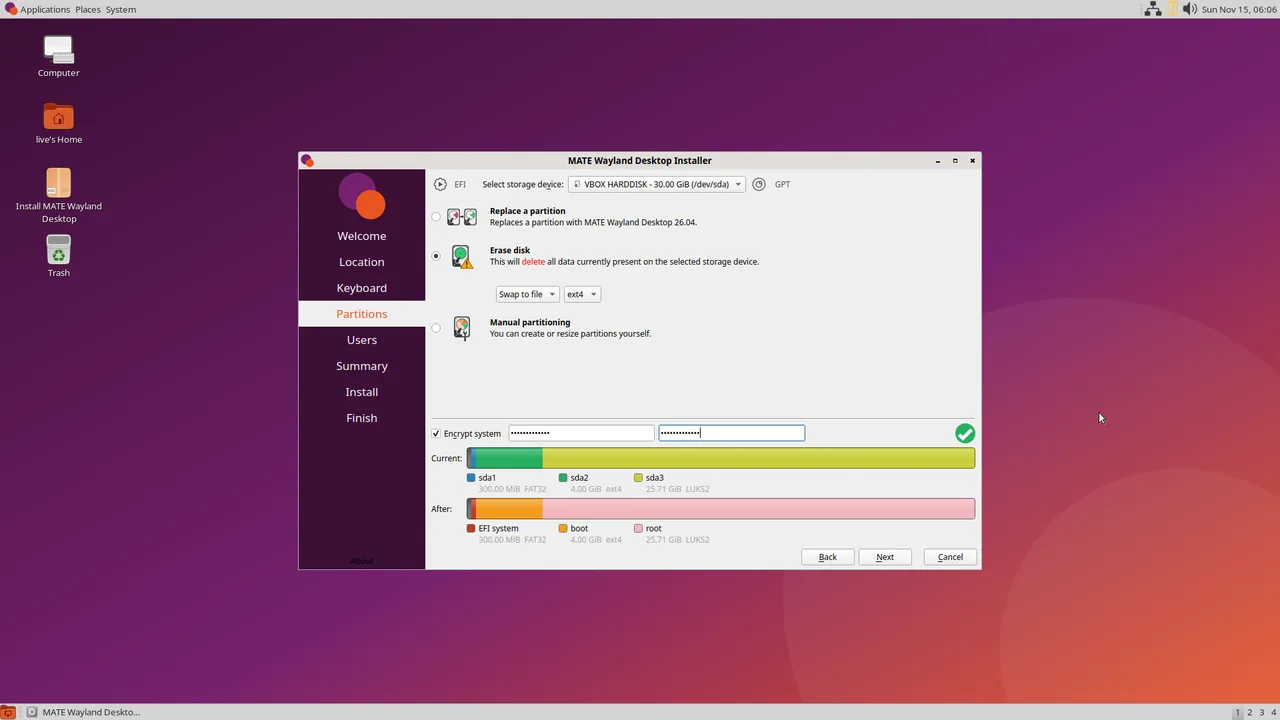
Erase disk, encrypt system
Whole-disk or manual partitioning. One tick box and a passphrase give LUKS2 full-disk encryption.
 View larger
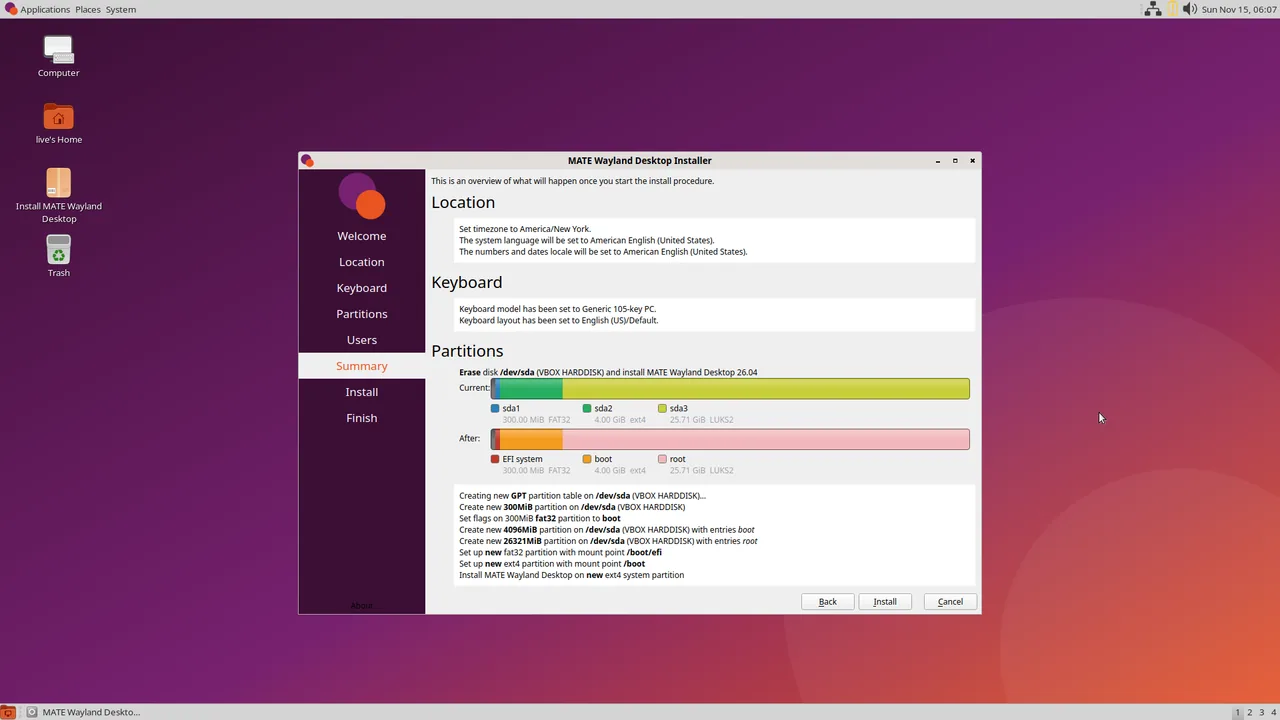
Summary before anything is written
The installer lists every change to the disk first: EFI system partition, /boot and a LUKS2 root.
 View larger
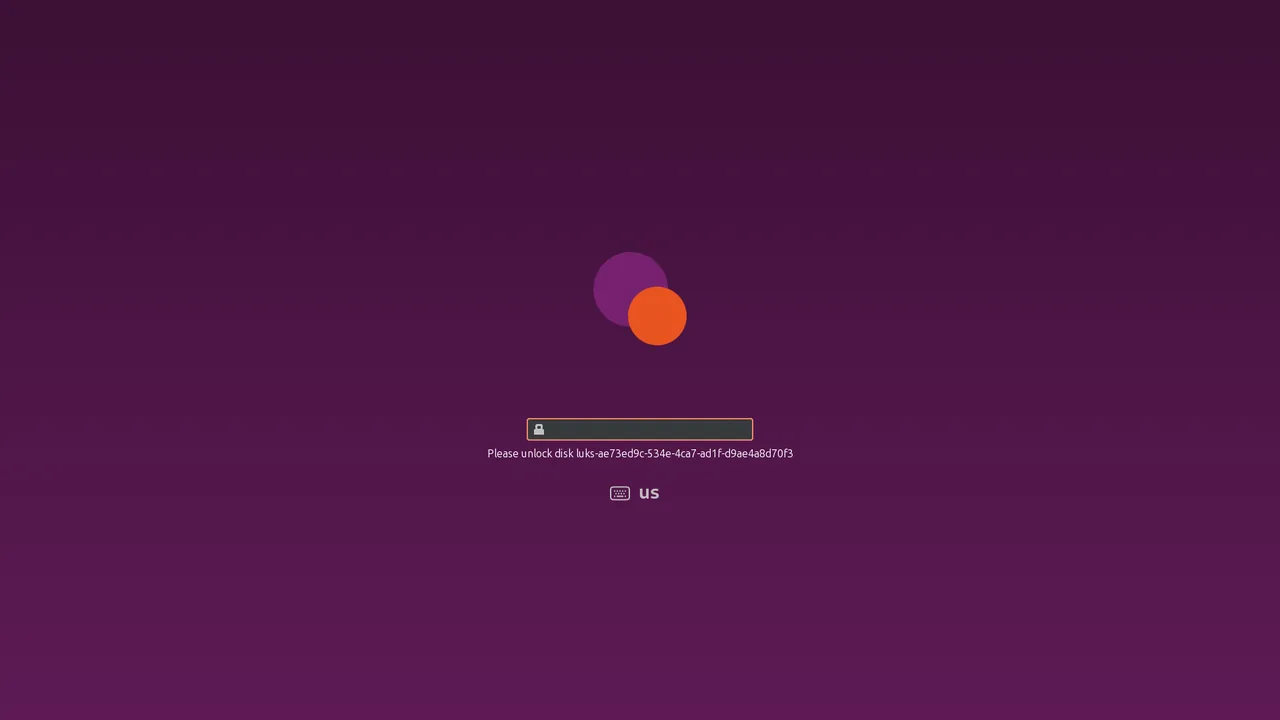
LUKS2 unlock on the boot splash
The passphrase prompt of an encrypted install, on the project's own Plymouth theme.
 View larger
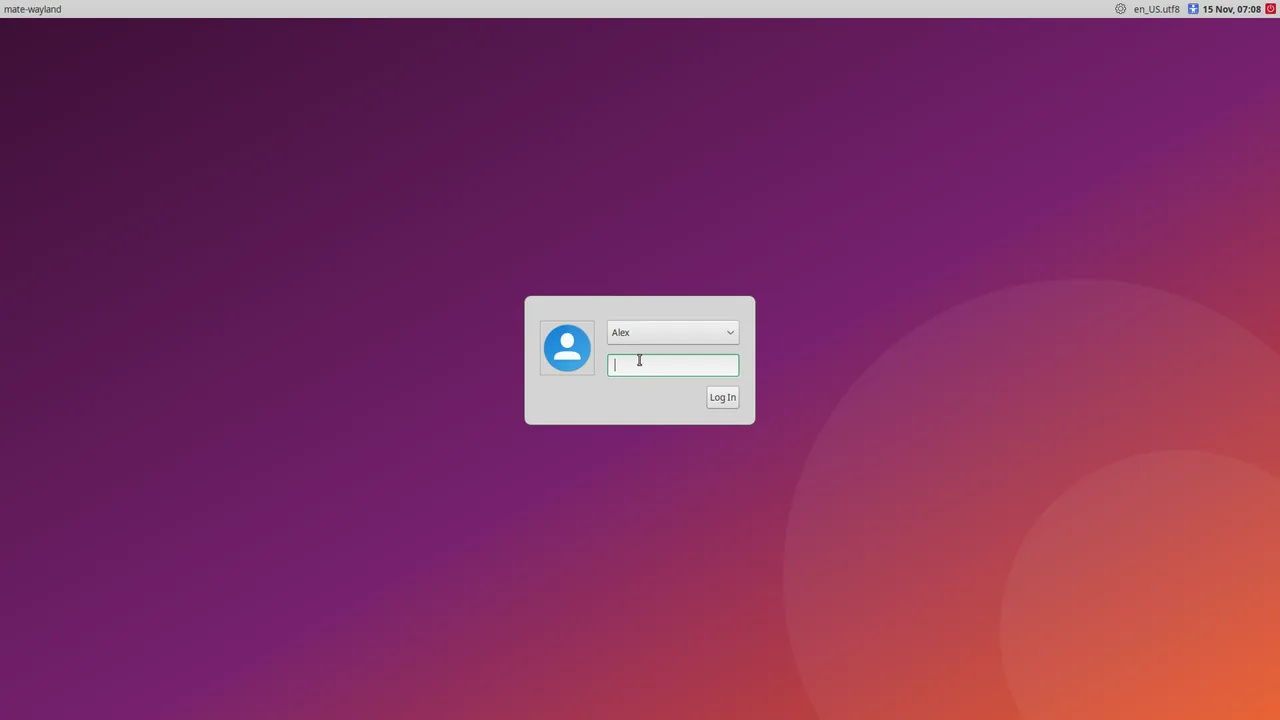
Login screen
LightDM with the project's wallpaper; the session it starts is MATE on labwc.
 View larger
Boot splash
The Plymouth theme shown while the system starts.